Read each section top to bottom
For each numbered section, read down the first printed column and then continue down the second column for that same section.
The route is now shown the way you explained it: three numbered sections, read top to bottom and then left to right within each section, with map-backed address anchors that make the stops easier to recognize.
Operational view
This version is simpler because it stops treating the route like three abstract marker groups. Instead, it explains each section in plain language, keeps the CBUs obvious, and uses the Google map as a mailbox-location guide.
For each numbered section, read down the first printed column and then continue down the second column for that same section.
CBU 1, 2, 3, 4, and 5 should stand out as separate cluster-box stops instead of disappearing inside the street flow.
The Google map is being used as a box-location guide. It helps identify where the stop is, even when the house itself sits somewhere else.
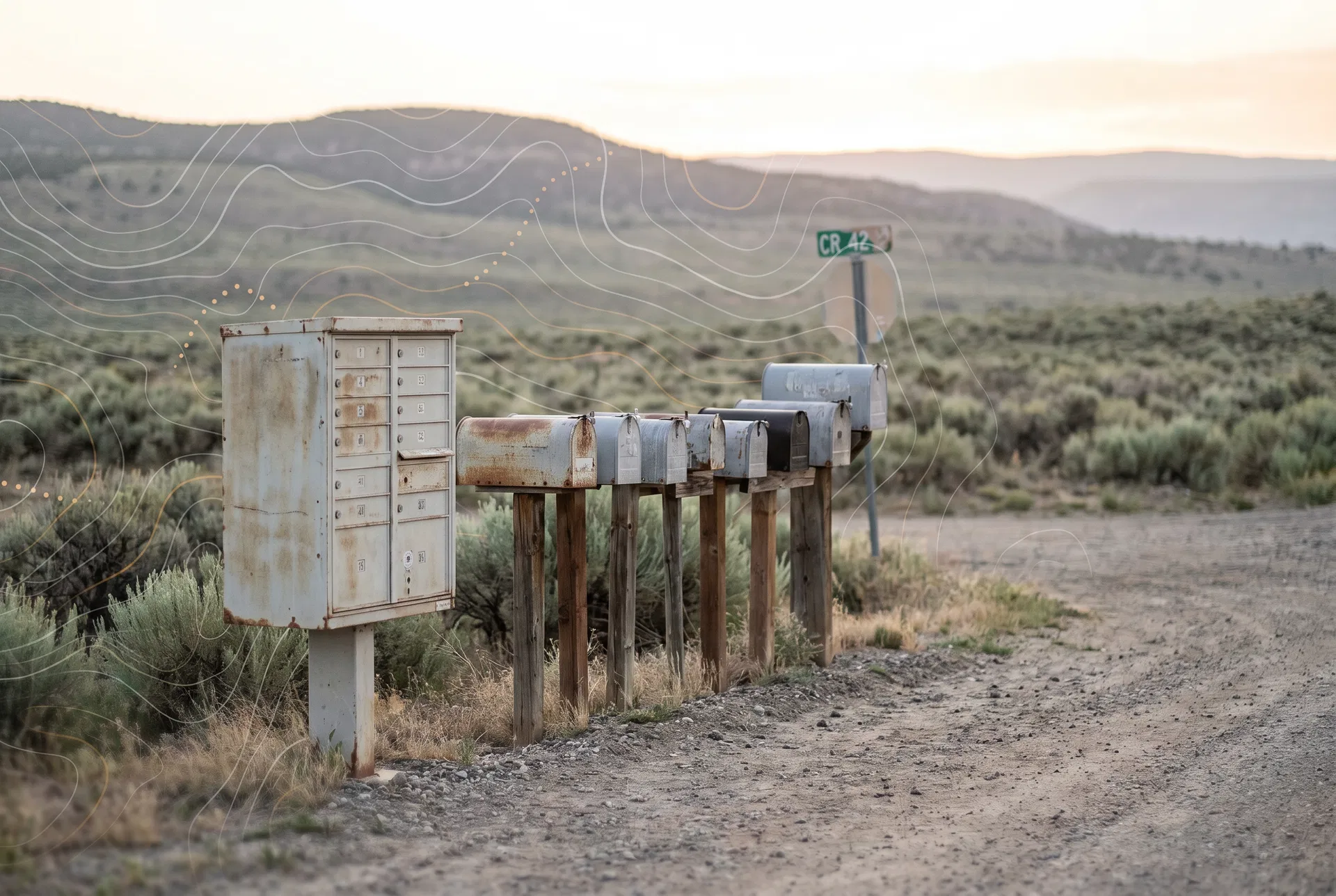
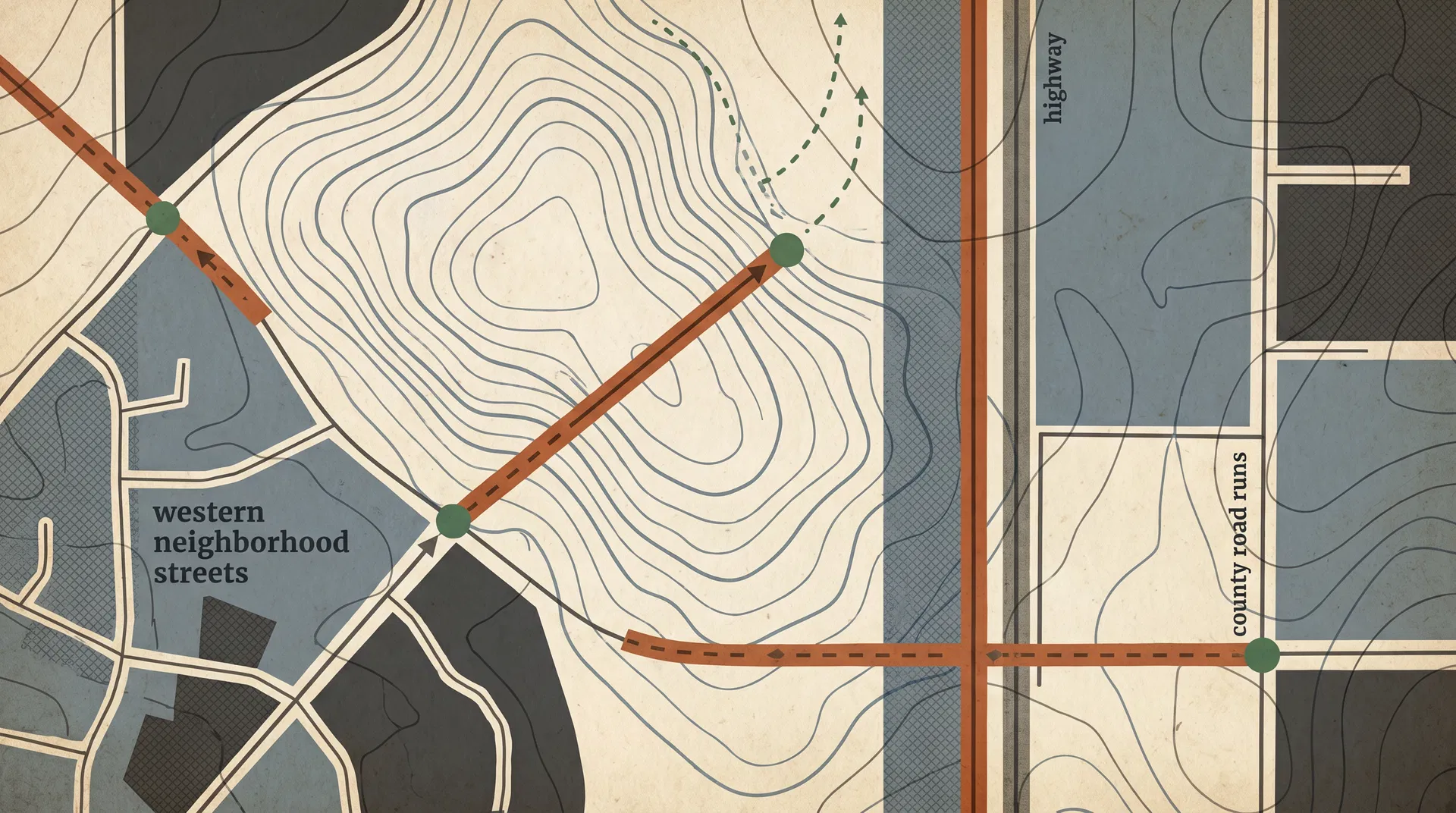
Route sheet
The paper sheet remains the master order. What changed here is the explanation: each section now includes street names, address anchors, and memory notes pulled from your saved Google map HTML.
Route section
Section 1 — highway boxes and outlying county roads
This is the long highway-and-county-road run. It includes highway boxes, CR side roads, retrace notes, and the first cluster-box stops. The website should help you recognize the box location without replacing the stop order on your paper.
Read the first 1-HWY40 column from top to bottom, then continue into the second 1-HWY40 column from top to bottom.
Route section
Section 2 — west-side neighborhood and in-town boxes
This section is the west-side neighborhood run. Instead of showing bare numbers only, the site now ties those stops to street names and address anchors from the Google map so the route reads more like a real working guide.
Read the first 2-WK column from top to bottom, then continue into the second 2-WK column from top to bottom.
Route section
Section 3 — County Road 30 ladder, branches, and turnarounds
This section is the Co Rd 30 ladder. Most map pins here are best treated as approximate mailbox-location ranges along the road. The website should make the section easier to read by grouping those ranges into a plain-language run.
Read the first 3-CR30 column from top to bottom, then continue into the second 3-CR30 column from top to bottom.
Cluster box pull-outs
Near 380 Co Rd 64, with note saying 65 units.
Pinned near Pinon Ln and kept in Section 1.
Still belongs inside Section 1 even when the map is less exact.
Keep it in Section 1 where the paper sheet places it.
Near 830 Knoll Ave in the Section 2 neighborhood run.
Address anchors
These anchors came from the uploaded Google Maps HTML and are meant to make the website easier to understand at a glance. They support the route order instead of replacing it.